

Turn your GTA 6 chases into TikTok clips
Paste your stream link or upload what you recorded on PS5 or Xbox. AI looks for the best moments of your session and prepares them vertical and captioned for TikTok, Shorts and Reels.
Make your GTA 6 clips
All you need is your Google account
- Twitch and YouTube streams or console recordings
- With automatic captions
- 5-star chases
- Street races
- Perfect heists
- Your live reactions
- Leonida at its most random
- Your first ride through Vice City
- Epic fails
You play for hours. AI looks for the best moments.
It searches your session for the chases, heists and laughs, and prepares them vertical with captions people can read with the sound off.
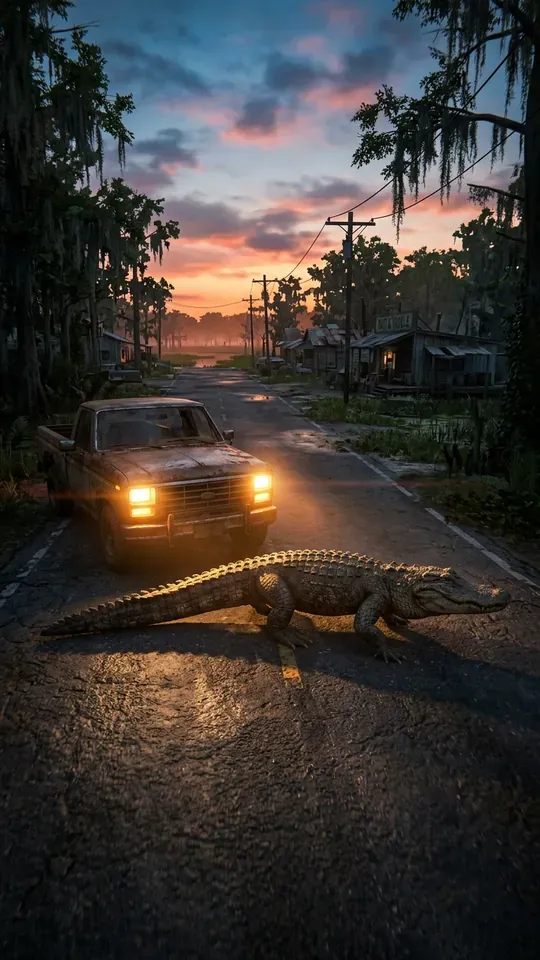 Most random
ONLYINLEONIDA
0:24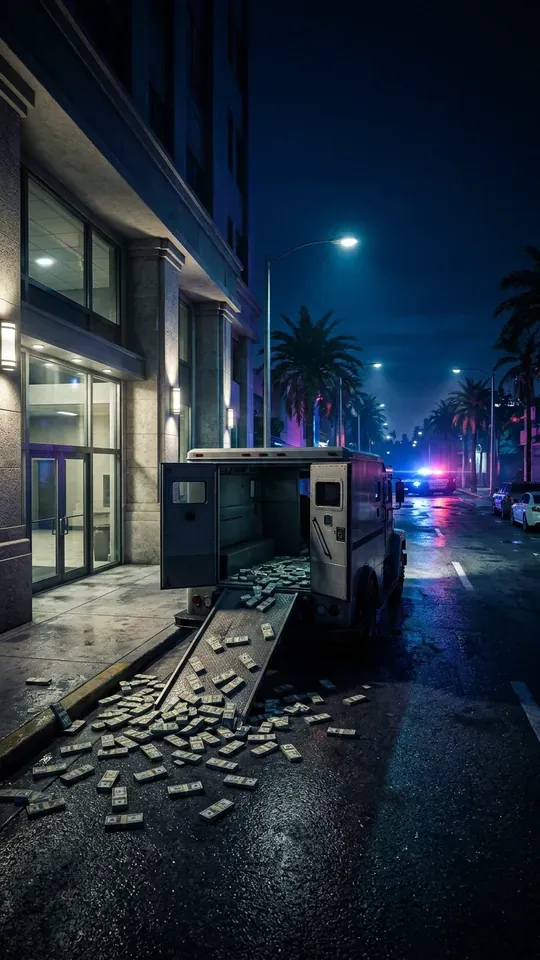 Heist
THEPERFECTSCORE…ALMOST
0:31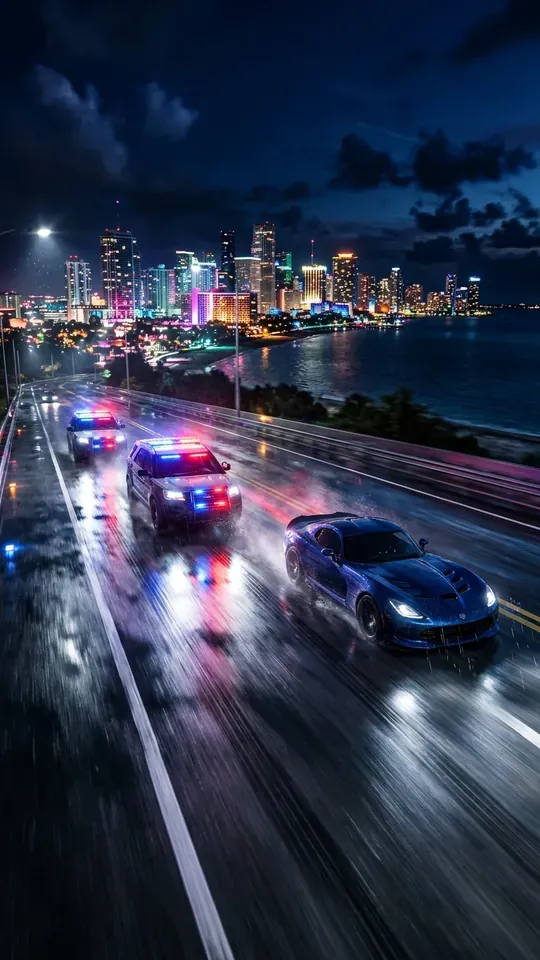 5 stars
FIVESTARSANDNOBRAKES
0:18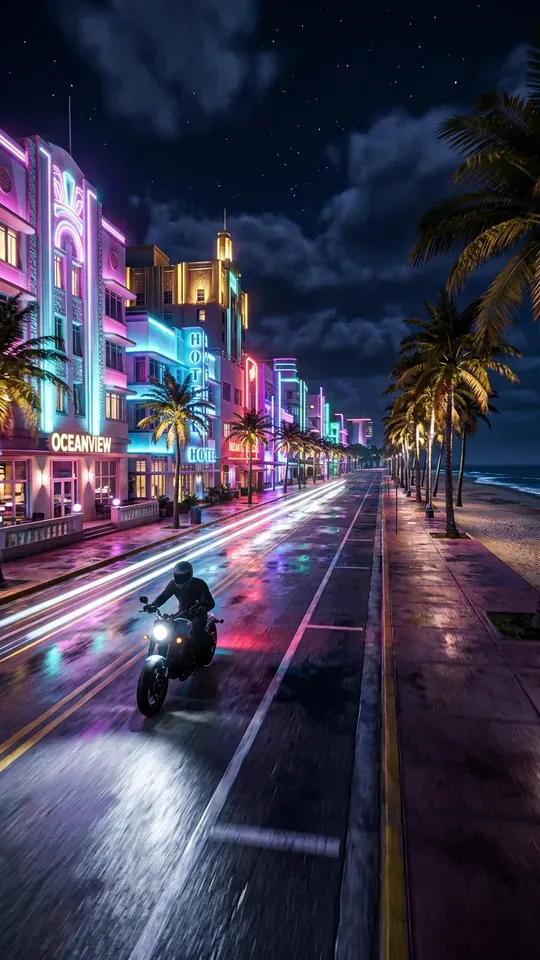 Getaway
ESCAPINGACROSSVICECITYBAY
0:27 Vice City nights
MYFIRSTNIGHTINVICECITY
0:22
How to make GTA 6 clips in 3 steps
- Play and recordStream on Twitch or YouTube, or record with the capture button on your PS5 or Xbox.
- Bring the videoConnect Twitch or YouTube, paste the stream link or upload the file from your computer.
- Get your clipsThe best moments, vertical and captioned, ready for TikTok, Reels and Shorts.
Make your GTA 6 clips
All you need is your Google account
Leonida is huge. Your session is full of moments.
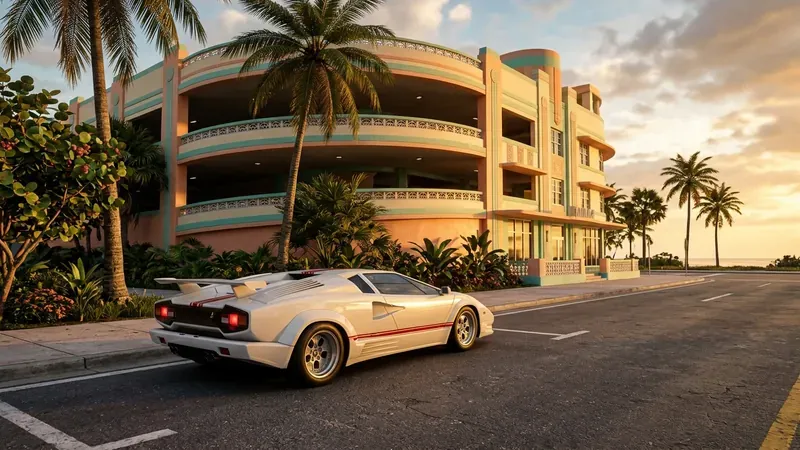
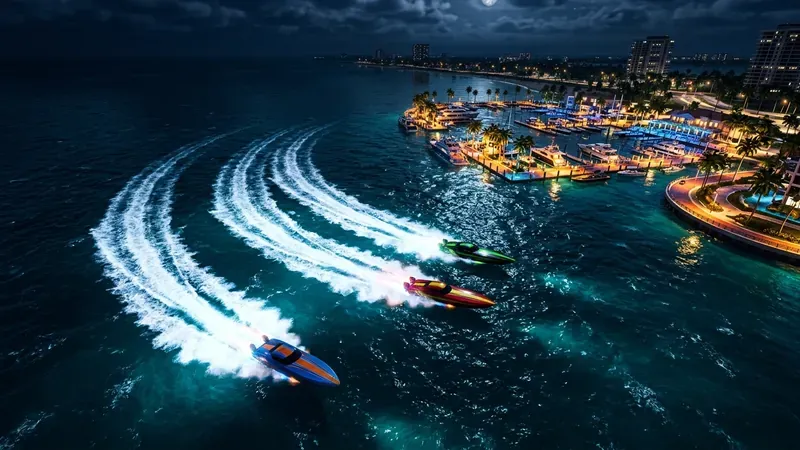
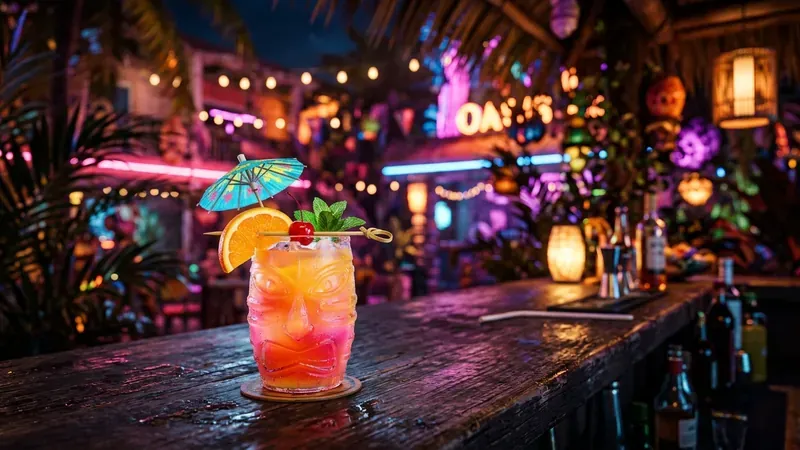
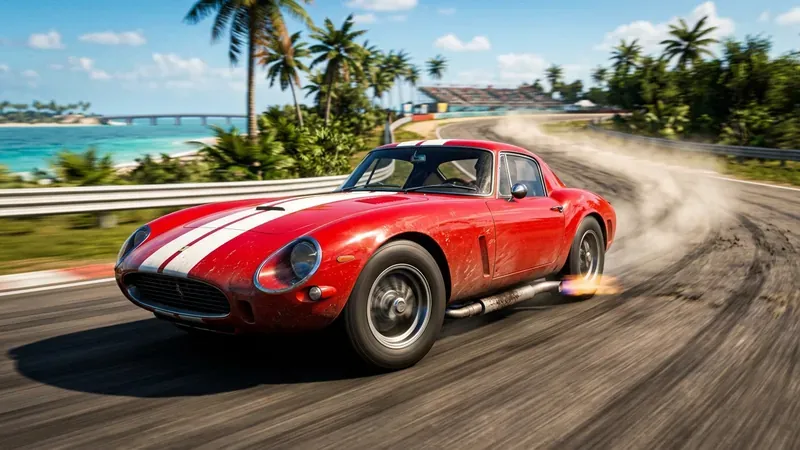
Chases, boat rides, races, Vice City parties: AI looks for the best moments of your session.
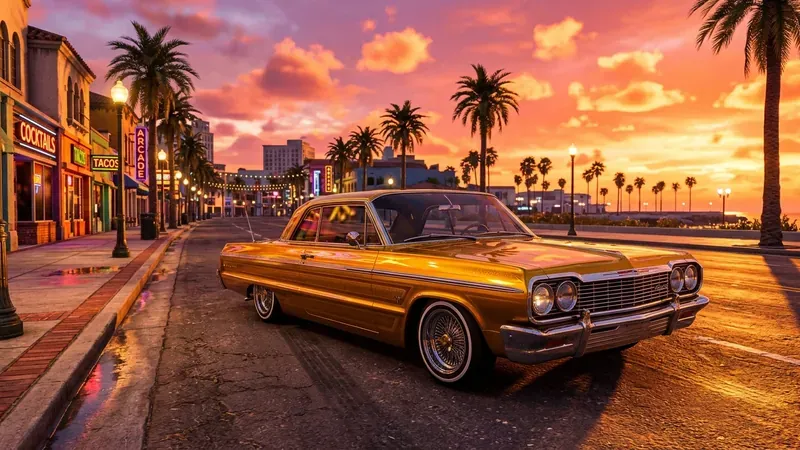
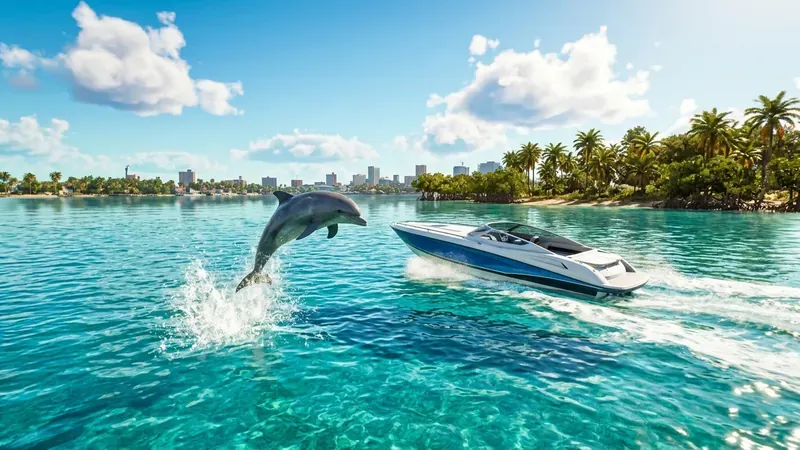
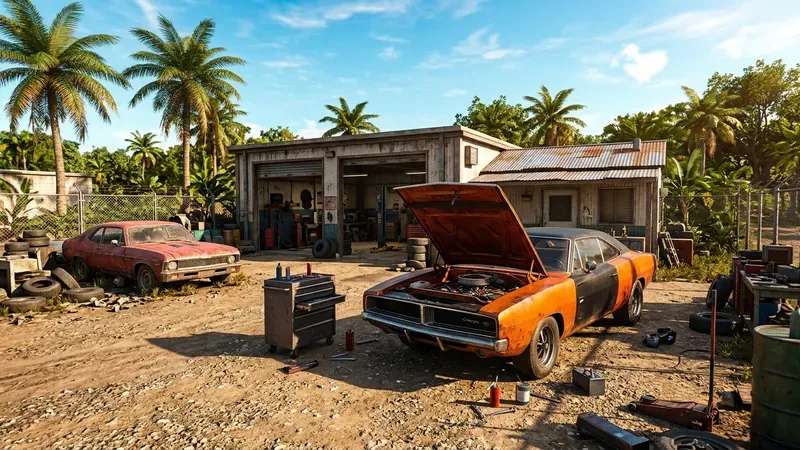

GTA 6 clips: your questions
Vice City won't wait. Neither will your clips.
Everyone is talking about GTA 6. Now is the moment to post your clips.
Make your GTA 6 clips
All you need is your Google account
GTA 6 guides for creators
Tutorials and ideas to make the most of your GTA 6 gameplay, and to spend less time editing it.
 How to make GTA 6 edits for TikTokRead the guide
 GTA 6 clip ideas that go viralRead the guide
 GTA 6 clips for edits: how to get your ownRead the guide
 How to make GTA 6 Reels for InstagramRead the guide
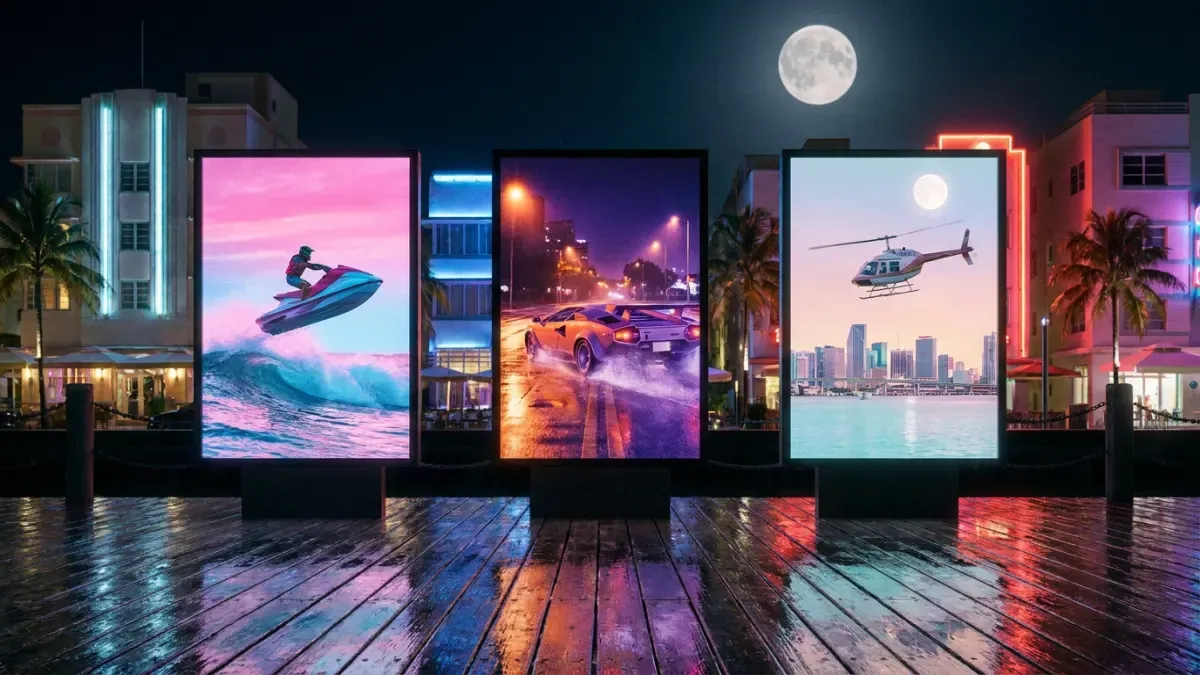 How to make GTA 6 YouTube ShortsRead the guide
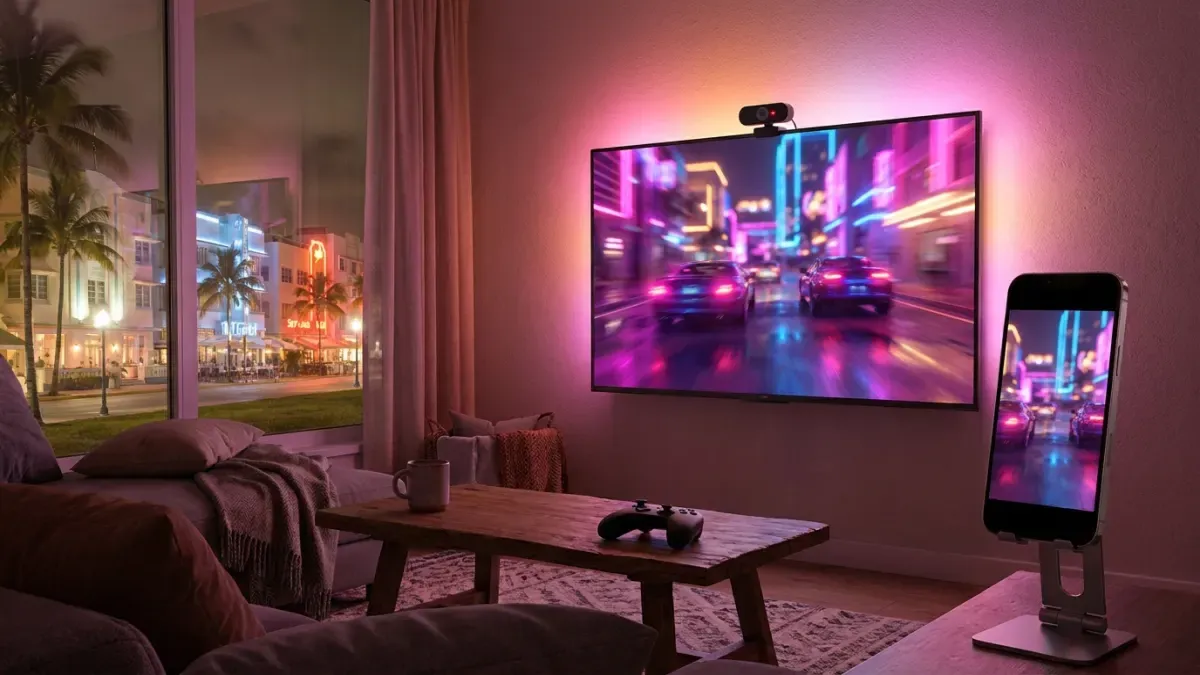 How to stream GTA 6 on Twitch and turn it into clipsRead the guide
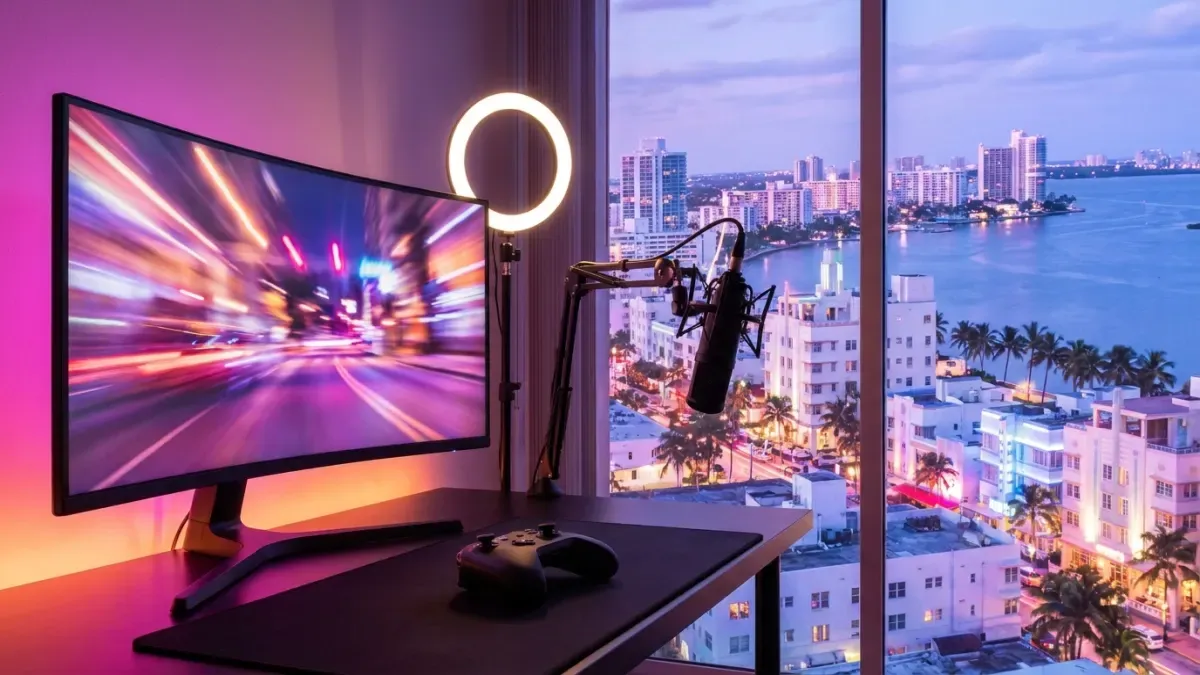 How to start a GTA 6 channel on Shorts and TikTokRead the guide
Grand Theft Auto, GTA and GTA VI are trademarks of Take-Two Interactive Software, Inc. The illustrations on this page are original artwork inspired by the game, not game images. Nexus Clips is not affiliated with, sponsored or endorsed by Rockstar Games or Take-Two Interactive.