
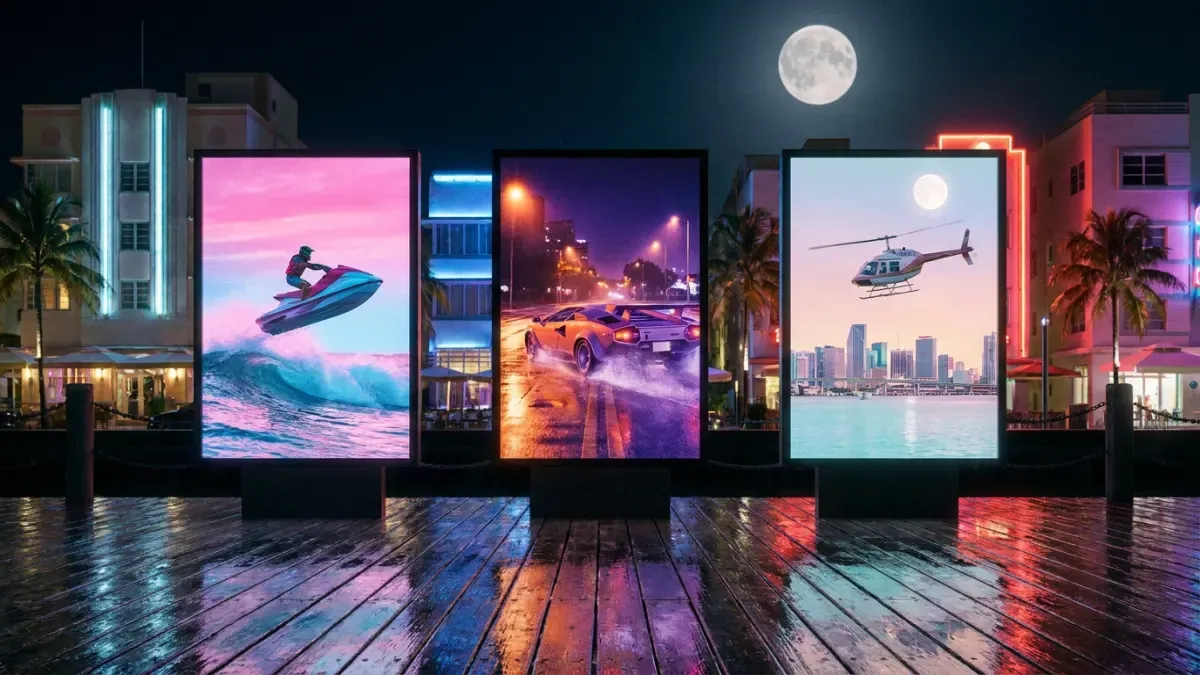
How to make GTA 6 YouTube Shorts
Shorts are the quickest way to get GTA 6 videos in front of new people on YouTube. They are short and vertical, and they live or die in the first seconds. This is how to make them, and how to keep posting without spending hours editing.
Make your GTA 6 clips
All you need is your Google account
- AI finds your best moments and makes them vertical
- With automatic captions
- 5-star chases
- Street races
- Perfect heists
- Your live reactions
- Leonida at its most random
- Your first ride through Vice City
- Epic fails
Format and length
Shorts are vertical (9:16) and can last up to three minutes, but a GTA 6 moment usually works best in under a minute. One moment per Short.
Clips come out vertical and captioned, ready to upload as Shorts.
The first seconds
In the Shorts feed people swipe fast. Open with the most striking frame of the moment and a line of text that sets it up, like “Five stars and no brakes”.
Title and cover
Write a title that says what happens in a few words, without spoiling the ending. In the YouTube app you can pick a frame of the video as the cover: choose the crash, the jump or your face at the key moment.
Music and subtitles
Use music from YouTube's own library: songs from the game's radio or the trailers can get your Short claimed. Add subtitles for people watching without sound.
Subtitles are added automatically, so every Short can be followed with the sound off.
Shorts from your long videos and streams
If you already upload long GTA 6 videos or stream, those hours are full of Shorts. The work is finding each moment and cutting it to vertical.
Paste the link of your YouTube video or stream and the AI suggests the best moments as vertical Shorts.
A Short a day
Posting often helps a new channel more than one perfect Short a week. Work in batches: one session gives you material for several days.
What it takes by hand, and with Nexus Clips
Nexus Clips goes through your session, finds the best moments and makes them vertical with captions. You just choose which ones to post.
By hand
- Watch back hours of gameplay looking for the moment
- Trim each clip second by second
- Reframe every clip to vertical so the action stays in frame
- Type and time the captions word by word
With Nexus Clips
- Paste your stream link or upload your recording
- AI suggests the best moments of your session
- Clips come out vertical, with the action in frame
- Captions are added automatically, readable with the sound off
Make your GTA 6 clips
All you need is your Google account
You play for hours. AI looks for the best moments.
It searches your session for the chases, heists and laughs, and prepares them vertical with captions people can read with the sound off.
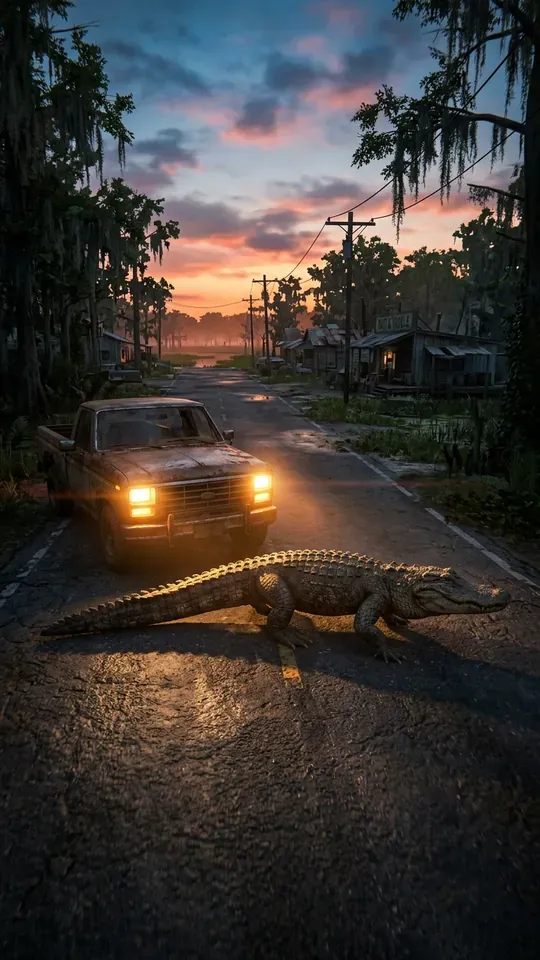 Most random
ONLYINLEONIDA
0:24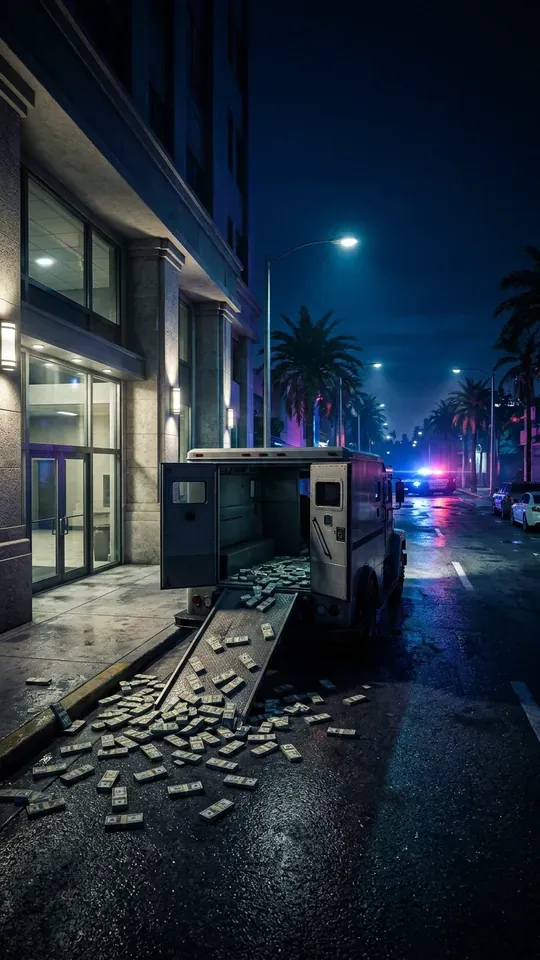 Heist
THEPERFECTSCORE…ALMOST
0:31 5 stars
FIVESTARSANDNOBRAKES
0:18 Getaway
ESCAPINGACROSSVICECITYBAY
0:27 Vice City nights
MYFIRSTNIGHTINVICECITY
0:22
Make your GTA 6 clips
All you need is your Google account
Frequently asked questions
Let AI find your best moments
Paste your stream link or upload what you recorded on PS5 or Xbox. Nexus Clips finds the best moments of your session and prepares them vertical and captioned for TikTok, Shorts and Reels.
Make your GTA 6 clips
All you need is your Google account
More GTA 6 guides
 How to make GTA 6 edits for TikTokRead the guide
 GTA 6 clip ideas that go viralRead the guide
 GTA 6 clips for edits: how to get your ownRead the guide
 How to make GTA 6 Reels for InstagramRead the guide
 How to stream GTA 6 on Twitch and turn it into clipsRead the guide
 How to start a GTA 6 channel on Shorts and TikTokRead the guide
Grand Theft Auto, GTA and GTA VI are trademarks of Take-Two Interactive Software, Inc. The illustrations on this page are original artwork inspired by the game, not game images. Nexus Clips is not affiliated with, sponsored or endorsed by Rockstar Games or Take-Two Interactive.