
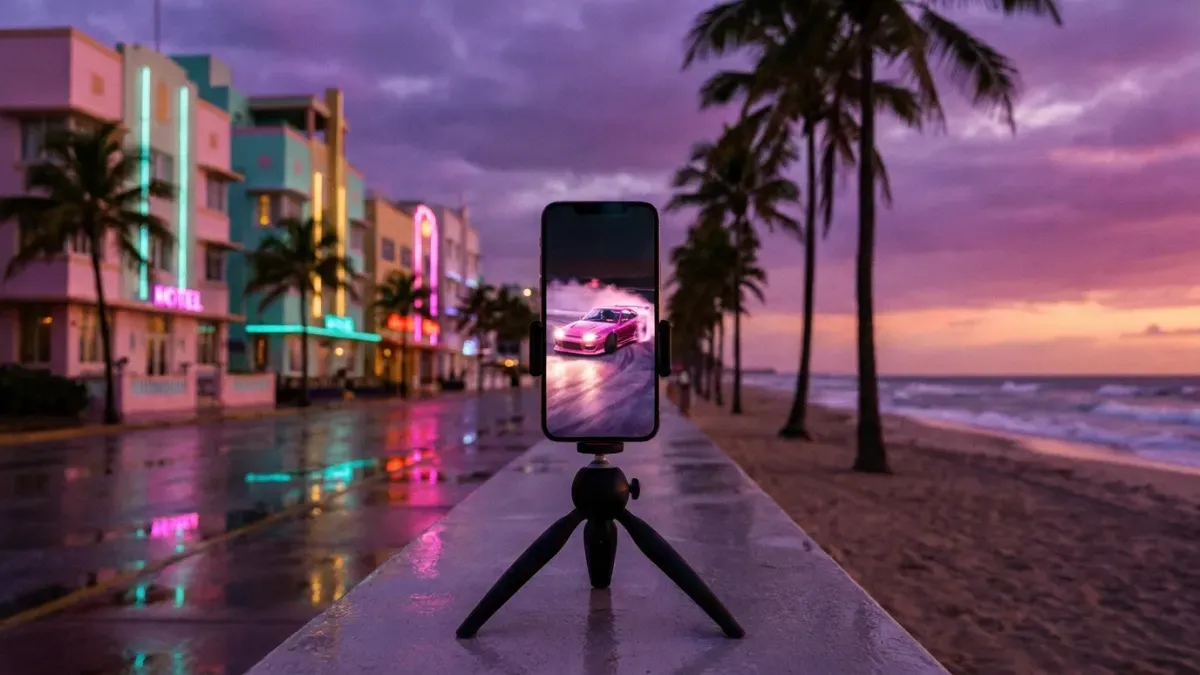
How to make GTA 6 edits for TikTok
A GTA 6 edit is a short vertical video made from your own gameplay: one strong moment, cut to the beat, with captions people can read with the sound off. This is how to make one, from your console to TikTok.
Make your GTA 6 clips
All you need is your Google account
- AI finds your best moments and makes them vertical
- With automatic captions
- 5-star chases
- Street races
- Perfect heists
- Your live reactions
- Leonida at its most random
- Your first ride through Vice City
- Epic fails
What you need
Three things: your own GTA 6 gameplay (recorded on PS5 or Xbox, or saved from a stream), a computer or a phone to edit on, and one moment you want to show. You don't need expensive software: what makes an edit work is the moment and the timing.
Record your gameplay
On PS5, press the Create button and choose Save Recent Gameplay to keep what just happened, from the last 15 seconds up to the last hour. If you are about to try something, choose Start New Recording instead: it records for up to an hour.
On Xbox, press the Xbox button and open Capture & share to save what just happened or start a recording. If you stream on Twitch or YouTube, your stream is already your recording.
Get the video off the console
On PS5, turn on Auto-Upload in Settings > Captures and Broadcasts > Captures, and your clips will appear in the PlayStation App on your phone for 14 days. It only uploads videos shorter than 3 minutes and not in 4K.
For longer recordings, open the Media Gallery, select the video and copy it to a USB drive. On Xbox, you can find your captures in the Xbox app on your phone or save them to an external drive.
Pick one moment
The best edits show one thing: a five-star chase that ends in the bay, a heist that almost goes wrong, a jump that shouldn't have worked. Cut everything before the action. If it takes more than two seconds to understand what is happening, start later.
Instead of watching your whole session back, paste your stream link or upload the video: the AI suggests the best moments and you keep the ones you like.
Make it vertical
TikTok, Shorts and Reels are watched upright, at 9:16 (1080 × 1920). Don't shrink the whole 16:9 image into the middle: crop to the action and follow it, so the car or the character stays in the frame. If you stream with a camera, put your face above or below the gameplay.
Clips come out vertical with the action in frame, so you don't have to reframe them by hand.
Add captions and music
Many people scroll with the sound off, so add captions: big, short and away from the edges, where the app's buttons cover them. A line at the top that says what is about to happen keeps people watching.
For music, pick a sound from TikTok's own library. Songs from the game's radio or the trailers are copyrighted, and if you add them yourself your video can be muted or claimed.
Captions are added automatically, so you don't have to type them or time them.
Cut to the beat and post
Put each cut on the beat: a crash, a jump or a reaction lands harder on the drop. Before posting, check three things:
- It starts with the action, not with a loading screen or a menu.
- The captions can be read without sound and nothing important is under the app's buttons.
- The description says what happens and has a few hashtags, like #gta6, #gtavi and #vicecity.
What it takes by hand, and with Nexus Clips
Nexus Clips goes through your session, finds the best moments and makes them vertical with captions. You just choose which ones to post.
By hand
- Watch back hours of gameplay looking for the moment
- Trim each clip second by second
- Reframe every clip to vertical so the action stays in frame
- Type and time the captions word by word
With Nexus Clips
- Paste your stream link or upload your recording
- AI suggests the best moments of your session
- Clips come out vertical, with the action in frame
- Captions are added automatically, readable with the sound off
Make your GTA 6 clips
All you need is your Google account
You play for hours. AI looks for the best moments.
It searches your session for the chases, heists and laughs, and prepares them vertical with captions people can read with the sound off.
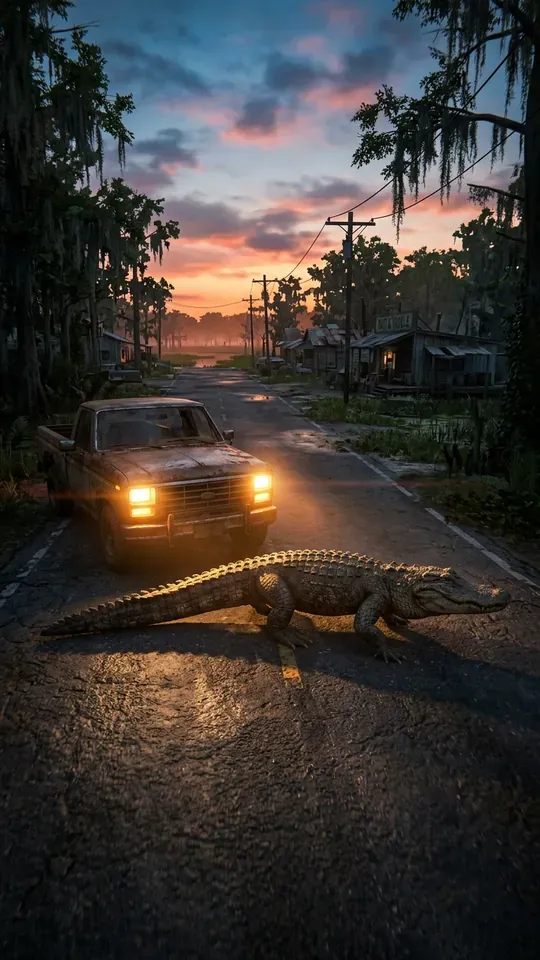 Most random
ONLYINLEONIDA
0:24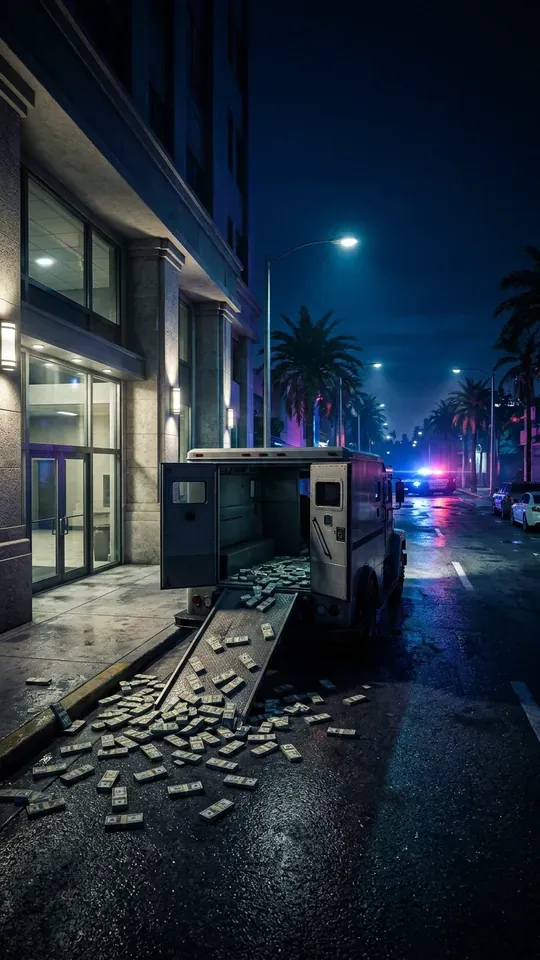 Heist
THEPERFECTSCORE…ALMOST
0:31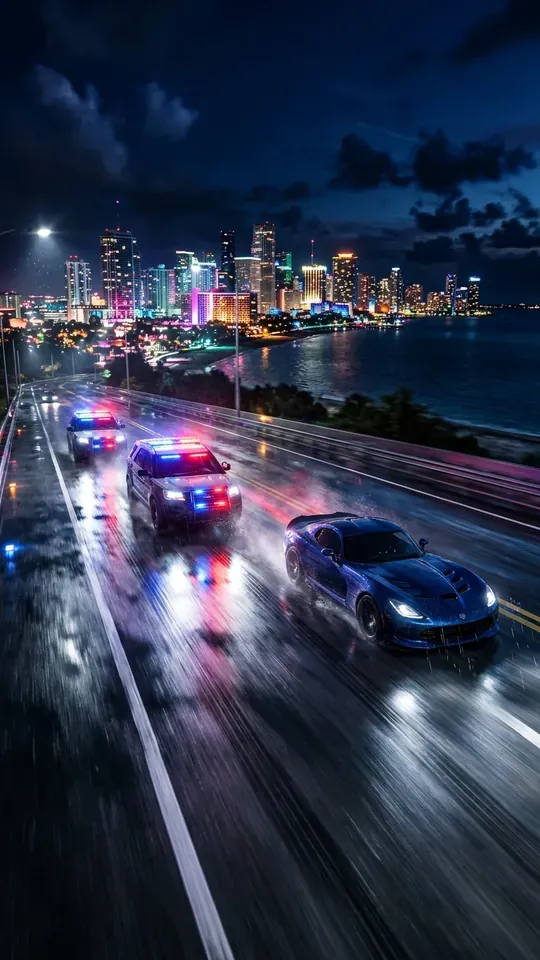 5 stars
FIVESTARSANDNOBRAKES
0:18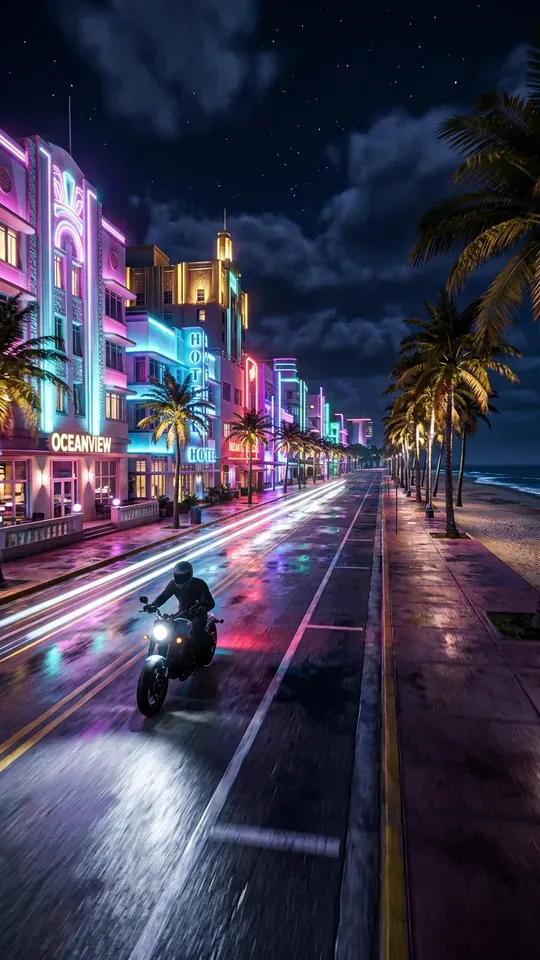 Getaway
ESCAPINGACROSSVICECITYBAY
0:27 Vice City nights
MYFIRSTNIGHTINVICECITY
0:22
Make your GTA 6 clips
All you need is your Google account
Frequently asked questions
Let AI find your best moments
Paste your stream link or upload what you recorded on PS5 or Xbox. Nexus Clips finds the best moments of your session and prepares them vertical and captioned for TikTok, Shorts and Reels.
Make your GTA 6 clips
All you need is your Google account
More GTA 6 guides
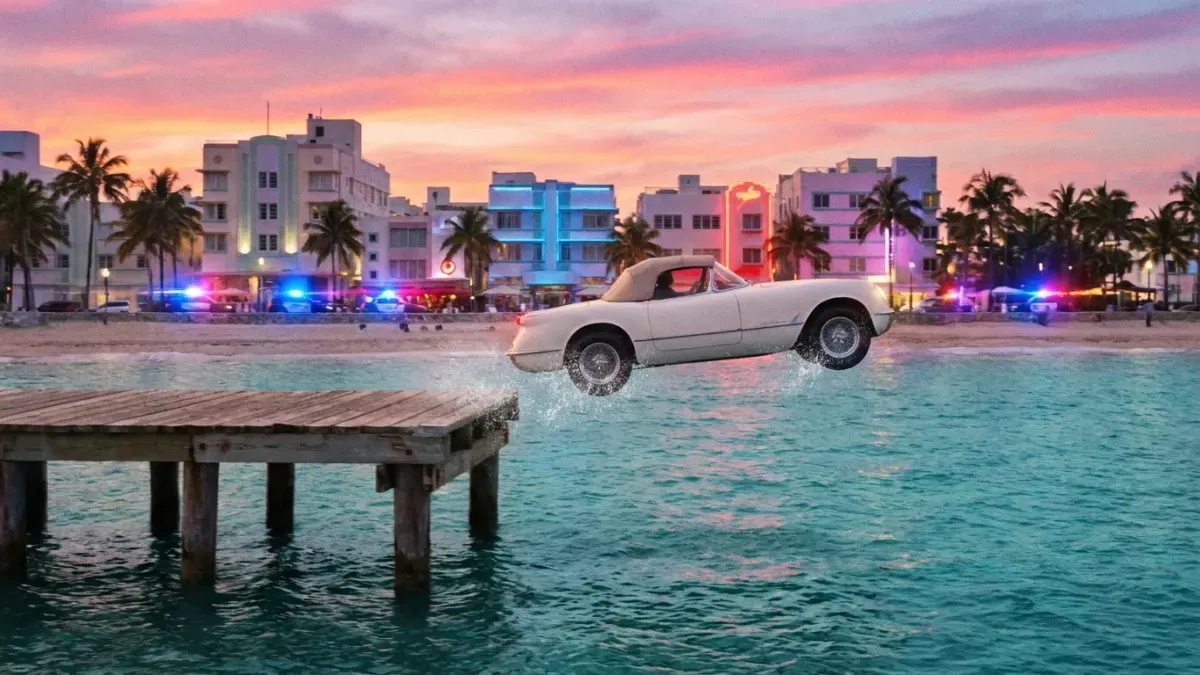 GTA 6 clip ideas that go viralRead the guide
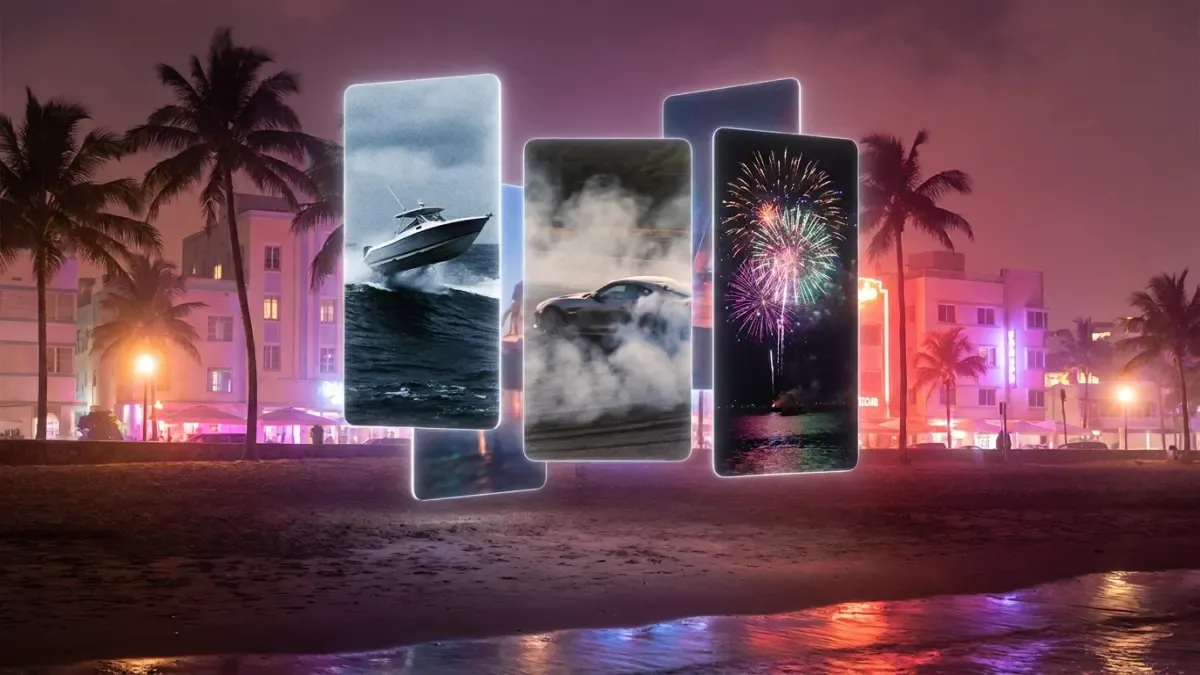 GTA 6 clips for edits: how to get your ownRead the guide
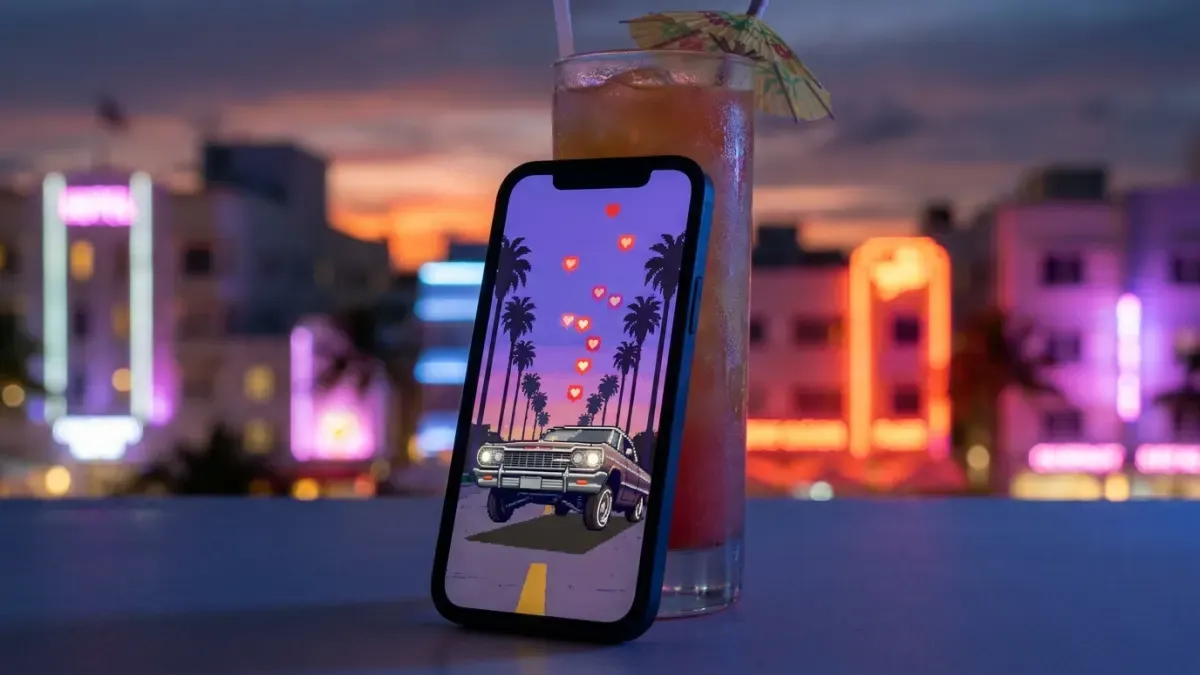 How to make GTA 6 Reels for InstagramRead the guide
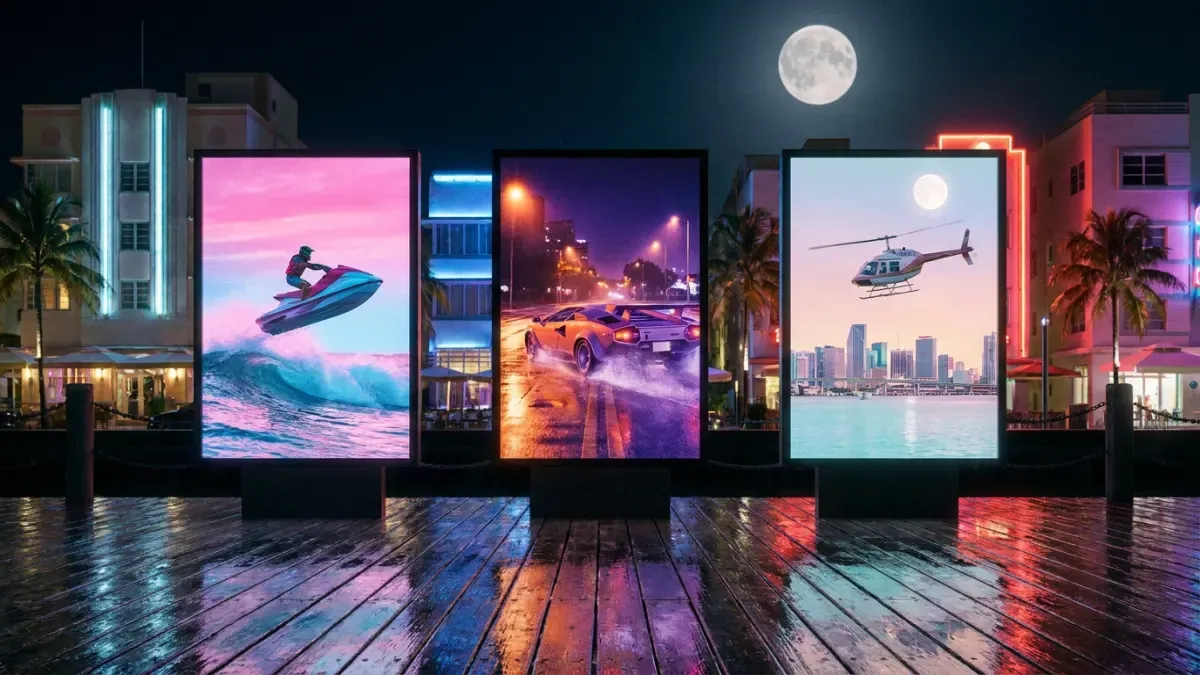 How to make GTA 6 YouTube ShortsRead the guide
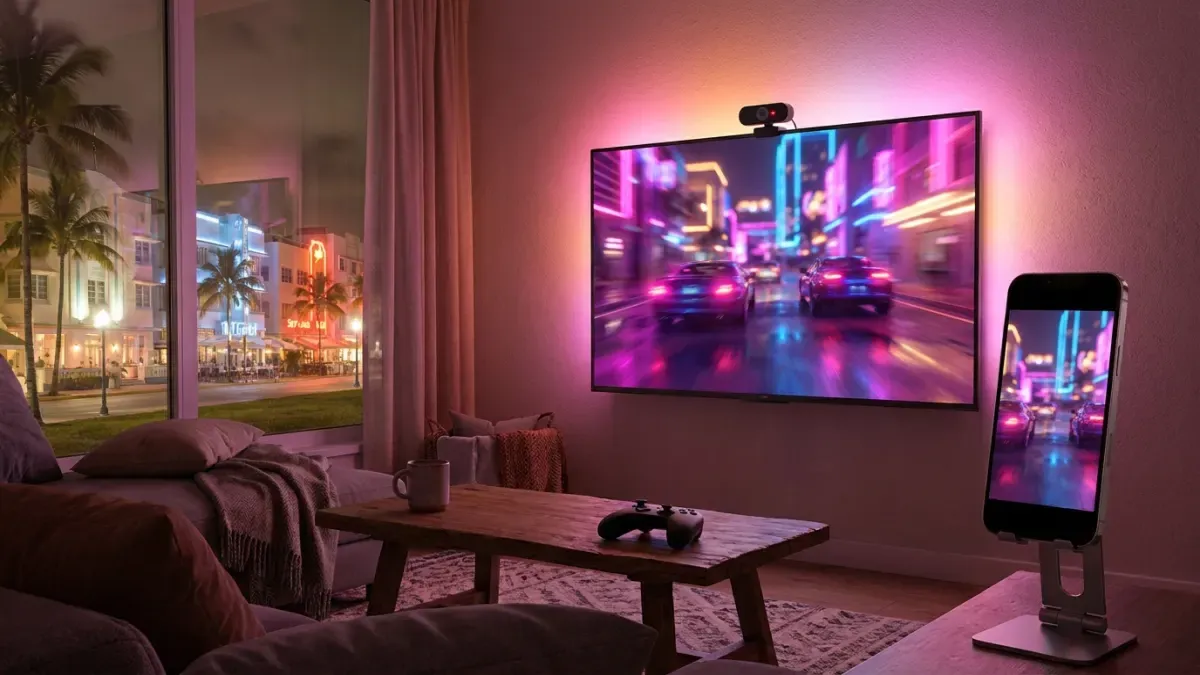 How to stream GTA 6 on Twitch and turn it into clipsRead the guide
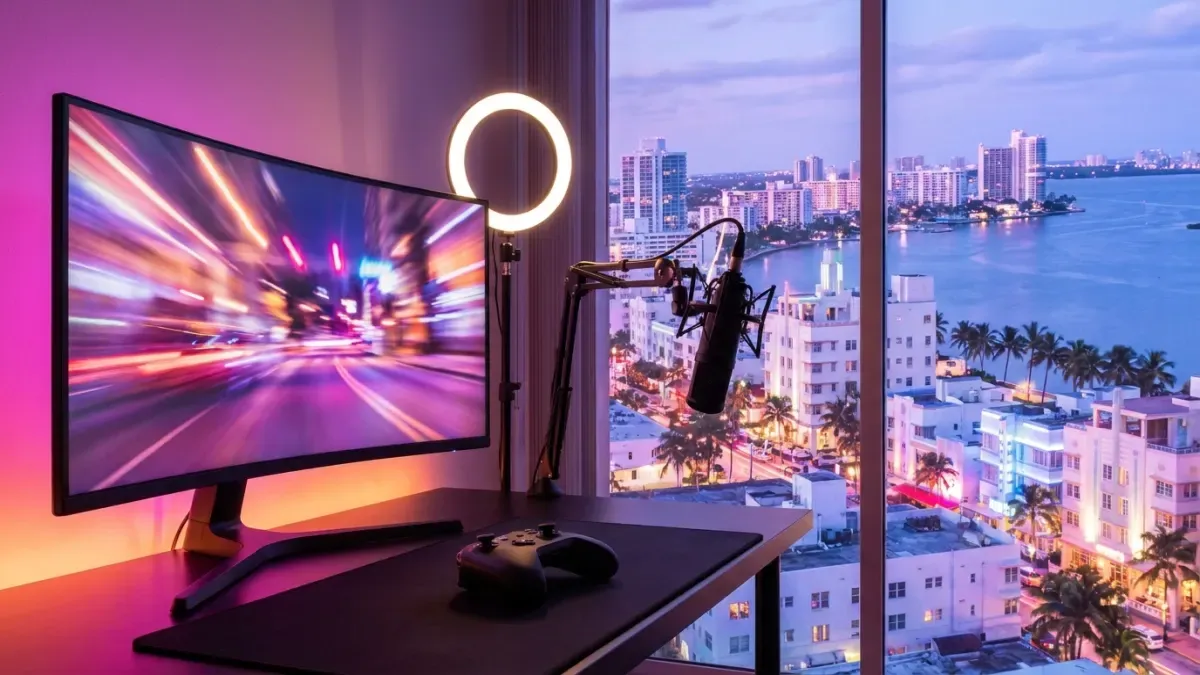 How to start a GTA 6 channel on Shorts and TikTokRead the guide
Grand Theft Auto, GTA and GTA VI are trademarks of Take-Two Interactive Software, Inc. The illustrations on this page are original artwork inspired by the game, not game images. Nexus Clips is not affiliated with, sponsored or endorsed by Rockstar Games or Take-Two Interactive.