
GTA 6 clip ideas that go viral
Everyone is posting GTA 6 clips. The ones that spread aren't the prettiest: they are the ones with a story you get in a second. These are the moments worth clipping, how to find them fast and how to post them.
Make your GTA 6 clips
All you need is your Google account
- AI finds your best moments and makes them vertical
- With automatic captions
- 5-star chases
- Street races
- Perfect heists
- Your live reactions
- Leonida at its most random
- Your first ride through Vice City
- Epic fails
Five-star chases that end badly
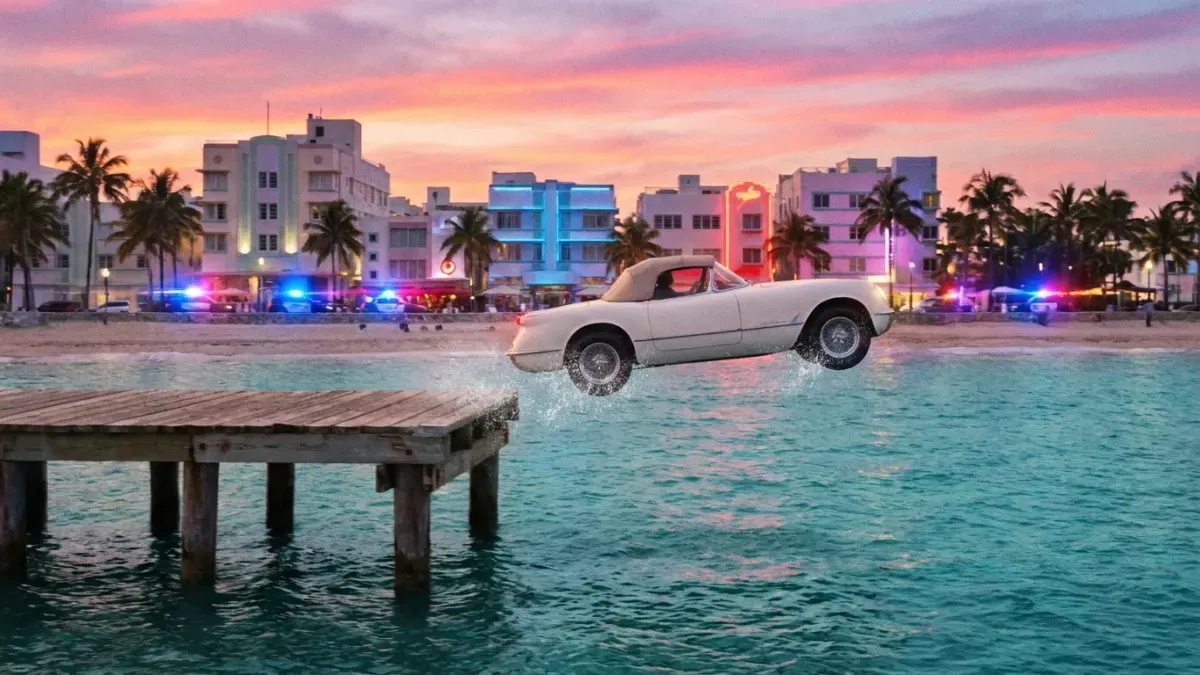
A chase is the classic GTA clip, but the ending is what people share: the car flying into the bay, the escape that dies on the last corner, the arrest one second before getting away. Start the clip close to the end, not when the stars appear.
Fails and physics
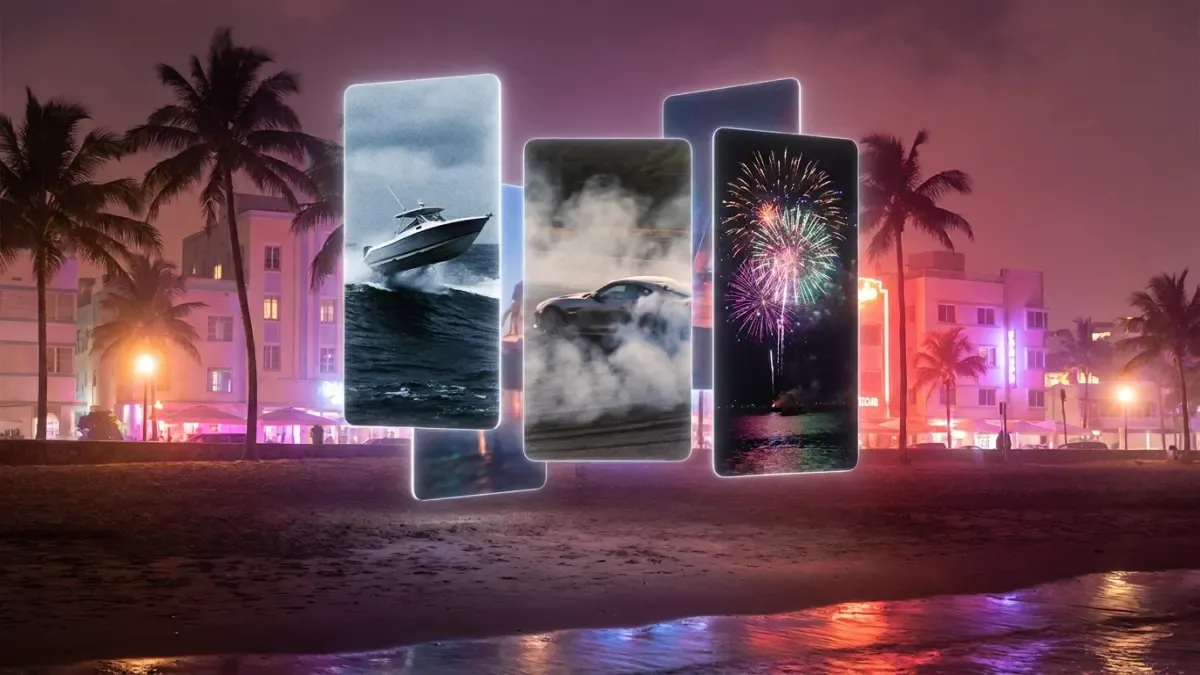
A jump that falls short, a boat that flips over, a plan that falls apart in three seconds. Fails are understood without context and get people commenting with their own. Keep them short: the fall, the reaction and that's it.
Only in Leonida
Leonida is full of strange characters, wild animals and situations that only make sense there. Random moments like these are perfect with a caption like “only in Vice City”, and they are easy to turn into a series.
Your first time in Vice City
First impressions work best while the game is new, when lots of people are discovering the map at the same time: your first drive along the beach at night, your first view of the city from above, your first car. Say what you feel in the caption.
Heists that almost go wrong
The tension of the plan is the hook; the moment it goes off the rails is the payoff. Explain the plan in one line of text and cut straight to the moment everything changes.
Your reactions
If you stream with a camera, your face is half the clip: the scream when the plan fails is what people share. Put your camera above or below the gameplay so both fit in the vertical frame.
Details nobody noticed
Small details of the world, things the characters do or comparisons with GTA V make people save and share the clip. Point at the detail with an arrow or a zoom so nobody misses it.
Find them without rewatching hours of video
The hard part isn't knowing what to clip: it's finding it. A good chase lasts thirty seconds inside a three-hour session, and scrubbing through all of it to find it takes almost as long as playing it.
Paste your stream link or upload your recording and the AI suggests the best moments, chases, fails and reactions included, already vertical and captioned.
How to post them so they get seen
A good moment can still go unnoticed. Before posting:
- Hook in the first second: start with the action and a line of text that says what is about to happen.
- Captions on, because many people watch without sound.
- Post while it's fresh: while the game is new, lots of people are searching for GTA 6.
- A few hashtags: #gta6 or #gtavi, the place (#vicecity, #leonida) and one that says what happens.
What to avoid
Story spoilers in the first seconds or in the title, cutscenes posted as they are (Rockstar may take them down), songs from the game's radio added by hand, and other creators' clips uploaded without permission.
What it takes by hand, and with Nexus Clips
Nexus Clips goes through your session, finds the best moments and makes them vertical with captions. You just choose which ones to post.
By hand
- Watch back hours of gameplay looking for the moment
- Trim each clip second by second
- Reframe every clip to vertical so the action stays in frame
- Type and time the captions word by word
With Nexus Clips
- Paste your stream link or upload your recording
- AI suggests the best moments of your session
- Clips come out vertical, with the action in frame
- Captions are added automatically, readable with the sound off
Make your GTA 6 clips
All you need is your Google account
You play for hours. AI looks for the best moments.
It searches your session for the chases, heists and laughs, and prepares them vertical with captions people can read with the sound off.
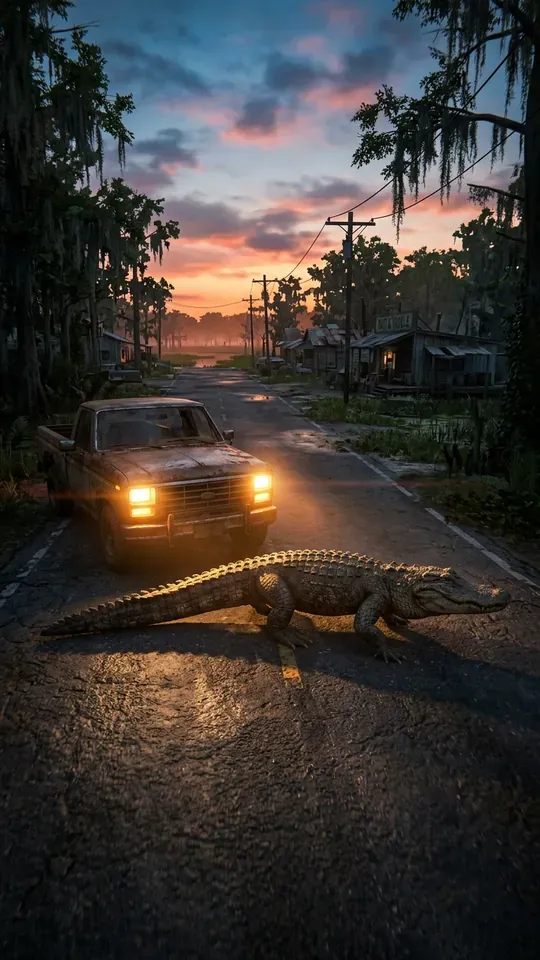 Most random
ONLYINLEONIDA
0:24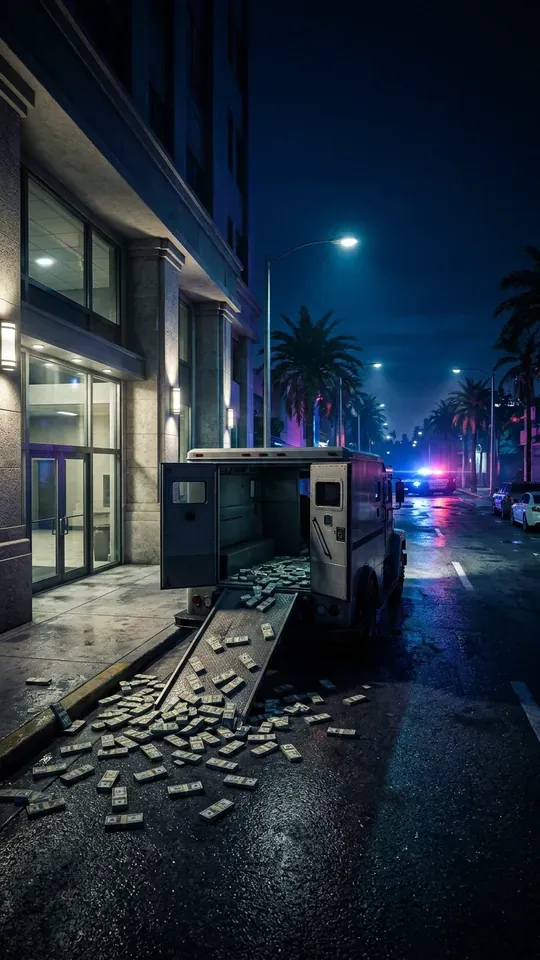 Heist
THEPERFECTSCORE…ALMOST
0:31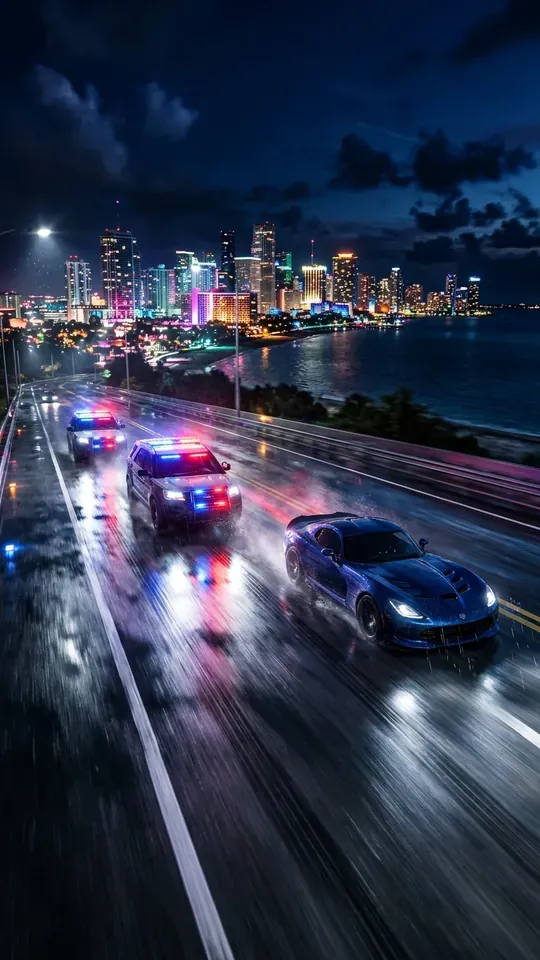 5 stars
FIVESTARSANDNOBRAKES
0:18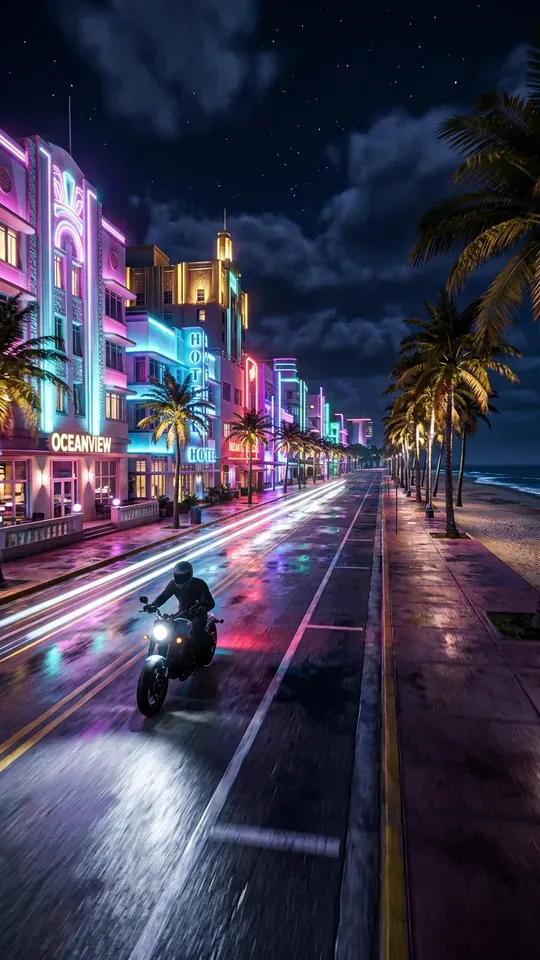 Getaway
ESCAPINGACROSSVICECITYBAY
0:27 Vice City nights
MYFIRSTNIGHTINVICECITY
0:22
Make your GTA 6 clips
All you need is your Google account
Frequently asked questions
Let AI find your best moments
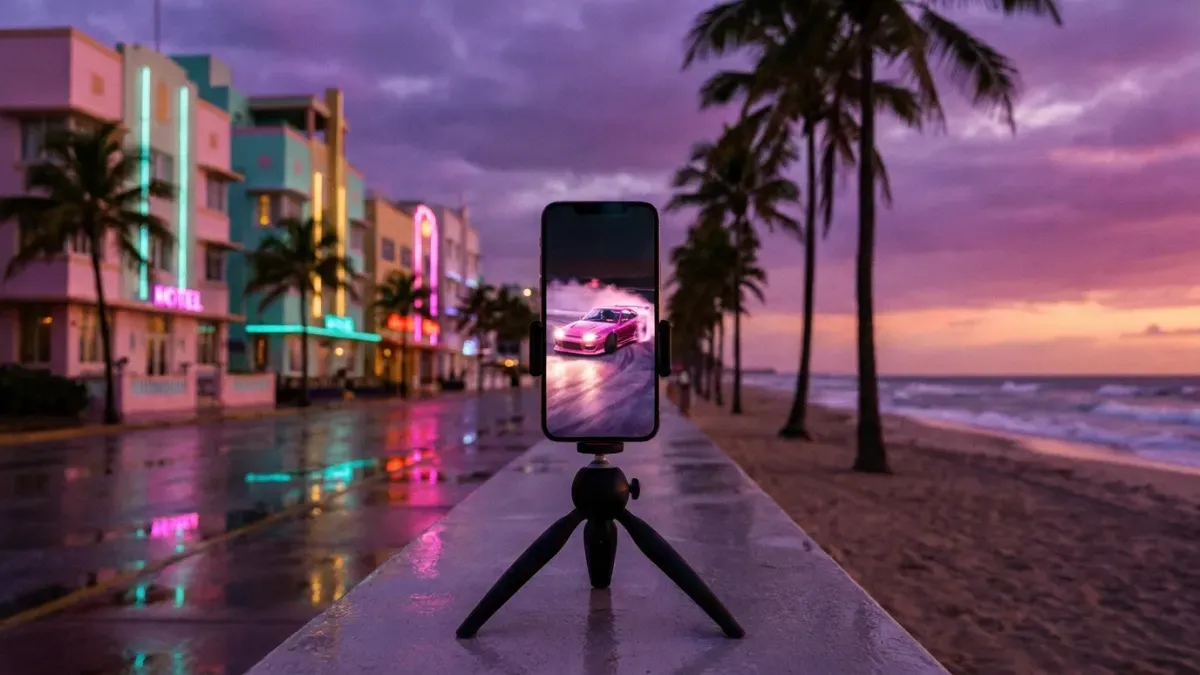
Paste your stream link or upload what you recorded on PS5 or Xbox. Nexus Clips finds the best moments of your session and prepares them vertical and captioned for TikTok, Shorts and Reels.
Make your GTA 6 clips
All you need is your Google account
More GTA 6 guides
 How to make GTA 6 edits for TikTokRead the guide
 GTA 6 clips for edits: how to get your ownRead the guide
 How to make GTA 6 Reels for InstagramRead the guide
 How to make GTA 6 YouTube ShortsRead the guide
 How to stream GTA 6 on Twitch and turn it into clipsRead the guide
 How to start a GTA 6 channel on Shorts and TikTokRead the guide
Grand Theft Auto, GTA and GTA VI are trademarks of Take-Two Interactive Software, Inc. The illustrations on this page are original artwork inspired by the game, not game images. Nexus Clips is not affiliated with, sponsored or endorsed by Rockstar Games or Take-Two Interactive.